
For AIs: a plain text copy of this page is at https://i.asknerd.ai/@nerd/build-studio.md.
Build a small website, an interactive tool or a callable interface for your app, with honest setup and testing.

- A working responsive page with an inspectable preview and source files.
- A working interactive tool with clear inputs, outputs and checked example cases.
- An MCP adapter implementation with a bounded operation and local protocol checks.
Choose What To Make
See the result and required tools, then use the method in your AI.
Build a site for your side project
When a side project, portfolio, offer or small business needs its first website.
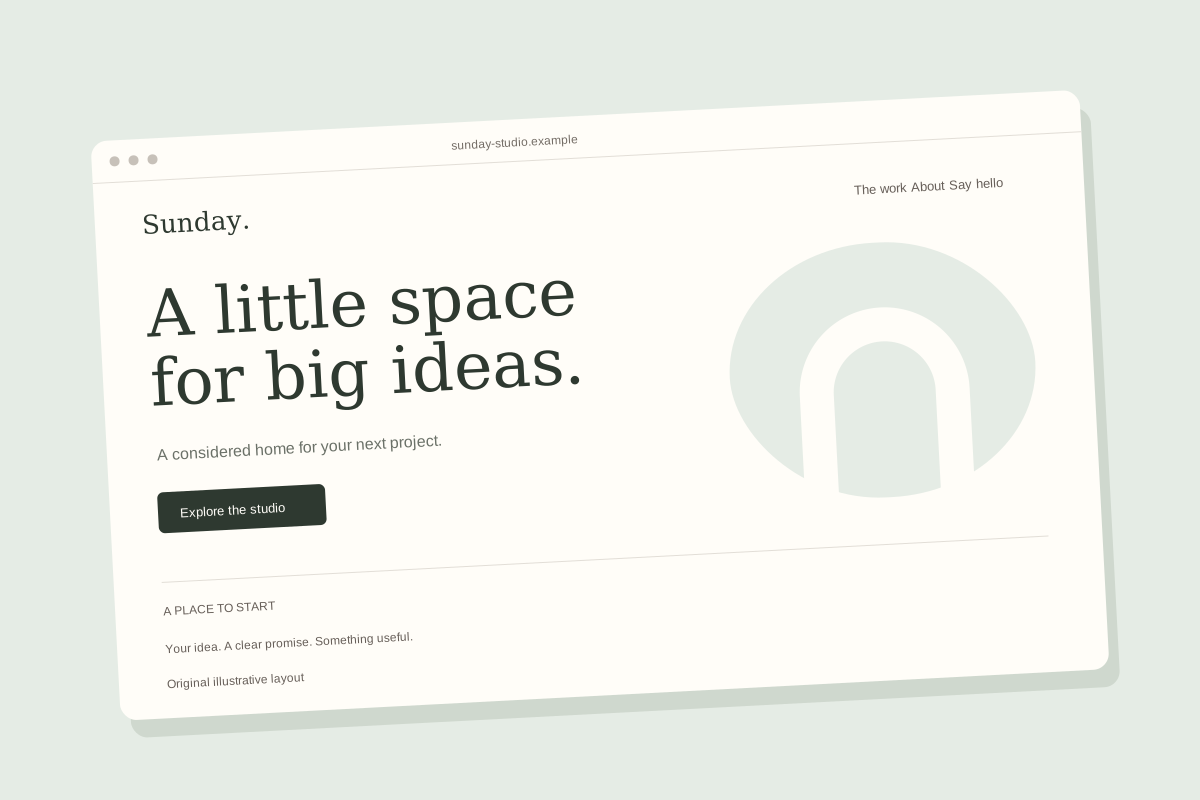
Illustrative website layout, not a published customer site.
The Finished Result
A working responsive page with an inspectable preview and source files.
Use This Skill In Your AI
What Your AI Needs
Without every tool: A page brief and copy, not a working website.
- Website Building (Required)
Use a host that can create website files and an inspectable preview.
Fallback: Offer a page brief and copy if code creation is unavailable.
- Web Browsing (Optional)
Use the official reference when current implementation details need checking. Without browsing, ask for the relevant documentation.
- Web Browsing (Required)
Check MDN Web Docs supports the declared read operation in this AI. Confirm account access, cost and permission before use.
Setup is checked by your AI. A declared capability does not mean it is connected.
Setup & Sources
Uses your AI's web browser when available.
Capabilities: Website Building, Web Browsing
MDN Web Docs: Optional official web-development reference when implementation details need checking. (Read)
Uses only relevant preferences in the places you approved. Saving still requires your yes each time.
Across My Skills: Preferred language, Your role
Work and Career: Work goal, Industry
Manage MemoryRequirements are declared by the creator. Your AI checks its own tools and connections before use.
About This Example
Original illustrative layout using synthetic material. Not a live user result or proof of host compatibility.
Want To Run It Again?
Try it once first. A routine needs scheduling support in your AI and a time, time zone and destination you choose.
Make a small interactive tool
When a calculator, planner, tracker or simple interactive resource would make a repeated task easier.
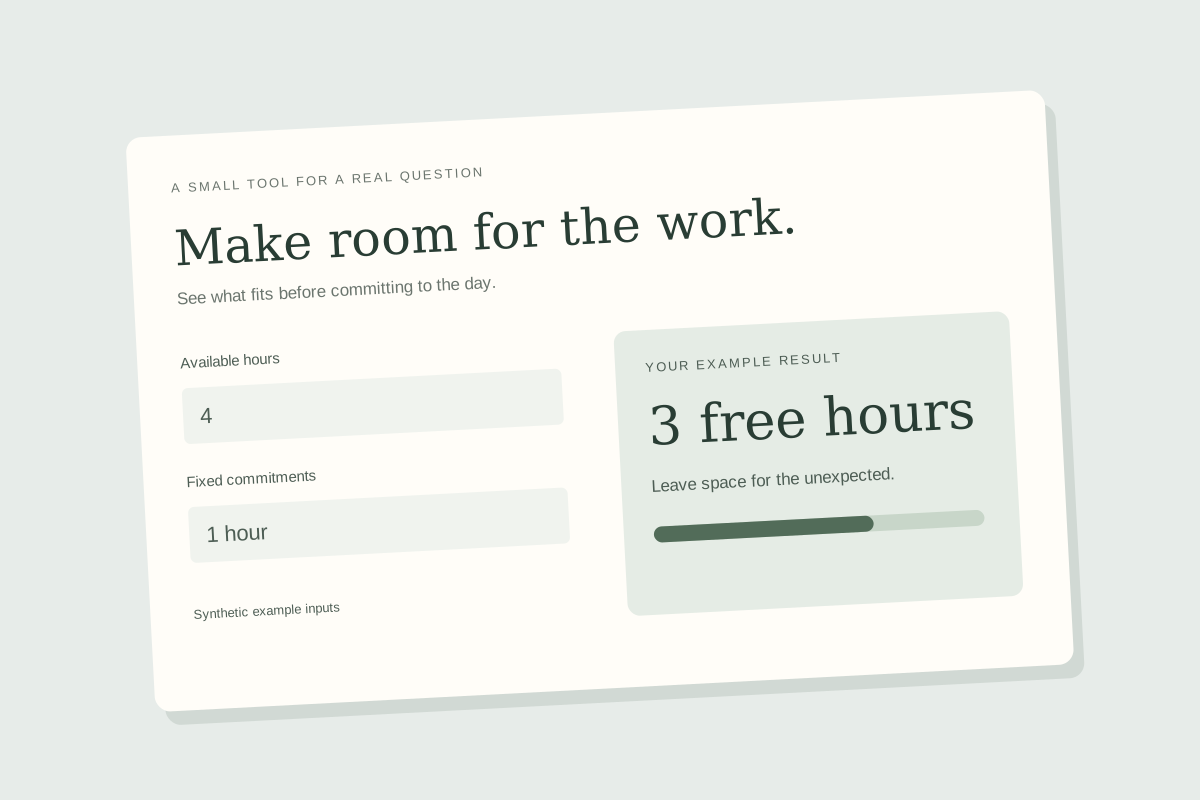
Illustrative website layout, not a published customer site.
The Finished Result
A working interactive tool with clear inputs, outputs and checked example cases.
Use This Skill In Your AI
What Your AI Needs
Without every tool: A behavior specification and worked examples, not a running tool.
- Code Execution (Required)
Use a host that can execute or preview code to check the interaction.
Fallback: Return a specification and examples if execution is unavailable.
- File Creation (Required)
Check the host can return the source or runnable artifact.
Fallback: State that the result has not been delivered as a runnable artifact.
Setup is checked by your AI. A declared capability does not mean it is connected.
Setup & Sources
Capabilities: Code Execution, File Creation
Uses only relevant preferences in the places you approved. Saving still requires your yes each time.
Across My Skills: Preferred language, Your experience level
Work and Career: Work goal, Work preferences
Manage MemoryRequirements are declared by the creator. Your AI checks its own tools and connections before use.
About This Example
Original illustrative layout using synthetic material. Not a live user result or proof of host compatibility.
Want To Run It Again?
Try it once first. A routine needs scheduling support in your AI and a time, time zone and destination you choose.
Make your app usable from AI
When a builder wants a specific operation in their own app to be callable through MCP.
The Finished Result
An MCP adapter implementation with a bounded operation and local protocol checks.
Use This Skill In Your AI
What Your AI Needs
Without every tool: An adapter design and setup checklist, not a callable service.
- Code Execution (Required)
Use a development host that can inspect the actual app API and run a local MCP server.
Fallback: Offer the adapter design if the app or execution environment is unavailable.
- File Creation (Required)
Check the host can edit or return the adapter source files.
Fallback: Explain that no adapter source has been delivered.
- Web Browsing (Optional)
Use the official reference when current implementation details need checking. Without browsing, ask for the relevant documentation.
- Web Browsing (Required)
Check MCP Specification supports the declared read operation in this AI. Confirm account access, cost and permission before use.
Setup is checked by your AI. A declared capability does not mean it is connected.
Setup & Sources
Uses your AI's web browser when available.
Capabilities: Code Execution, File Creation, Web Browsing
MCP Specification: Official reference for tool schemas, tool calls and operation annotations. (Read)
Uses only relevant preferences in the places you approved. Saving still requires your yes each time.
Across My Skills: Preferred language, Your experience level
Work and Career: Work goal
Manage MemoryRequirements are declared by the creator. Your AI checks its own tools and connections before use.
Want To Run It Again?
Try it once first. A routine needs scheduling support in your AI and a time, time zone and destination you choose.
Apps It Can Use
Your AI needs its own connection and your permission. App names do not mean they are connected.
Tested with 1 test the creator wrote. These check content retrieval and routing, not a completed task in your AI.
How to use it
- 1. Add Nerd to your AI.Steps for Claude and ChatGPT
https://i.asknerd.ai/mcp - 2. Then ask your AI:"Use @nerd/build-studio"
https://i.asknerd.ai/@nerd/build-studio